When first digging into the 2025 theme, I noticed that in addition to ton of patterns, there were also some helpful suggested starting points for the Query Loop block.
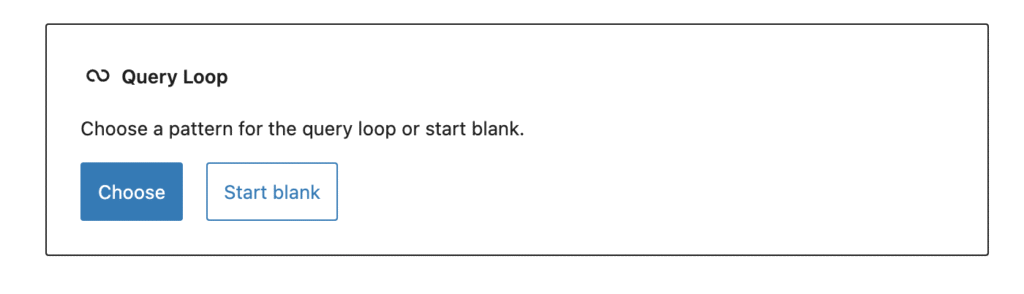
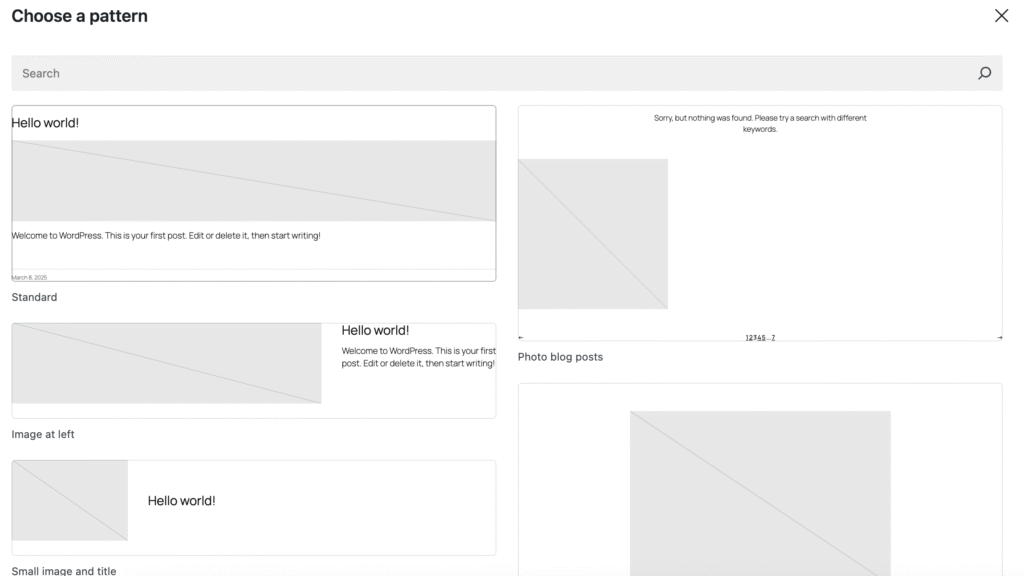
These are in fact patterns, but are a bit different then custom patterns however, as they are tied to the default block. Rather than showing up in the in the lefthand sidebar.
However, when building out my own custom themes, I prefer to remove the WP Core block patterns, so that I can create my own for myself/clients. You can do this by using this code snippet.
/**
 * Setup theme
 */
function remove_core_block_patterns() {
	/**
	 * Remove support for the core block pattern library.
	 *
	 * @link https://developer.wordpress.org/block-editor/how-to-guides/themes/theme-support/#disabling-the-default-block-patterns
	 */
	remove_theme_support( 'core-block-patterns' );
}
add_action( 'after_setup_theme', remove_core_block_patterns );
The solution
To create your own block pattern and have it appear as a layout option for a core block (like the Query Loop), you’ll need to use the blockTypes key when registering the pattern and assign it to the target block, in our example, 'core/query'.
register_block_pattern(
    'mytheme/my-query-loop-pattern',
    array(
        'title'       => __( 'My Custom Query Layout', 'mytheme' ),
        'description' => __( 'A custom layout for query loops', 'mytheme' ),
        'categories'  => array( 'query' ),
        'blockTypes'  => array( 'core/query' ), // <- THIS IS THE IMPORTANT PART
        'content'     => '<!-- wp:query {"query":{"perPage":3,"postType":"post"}} -->
                            <div class="wp-block-query">
                                <!-- wp:post-template -->
                                    <!-- wp:post-title /-->
                                    <!-- wp:post-excerpt /-->
                                <!-- /wp:post-template -->
                            </div>
                         <!-- /wp:query -->',
    )
);
After that, the new suggested pattern should show when you choose a template in the query loop block.!
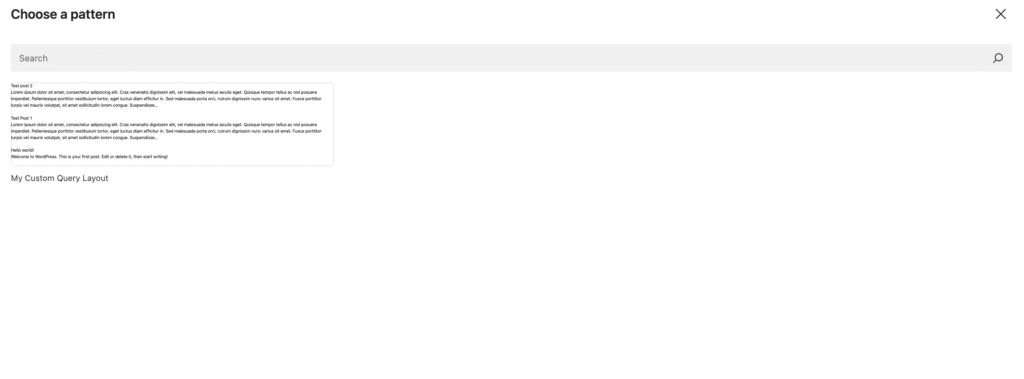
And that’s that! From here, I like to design out my query loop cards and then register them as needed.